Skip to content
Top Menu
November 18, 2025
  • Privacy Policy
  • Affiliate Disclaimer
  • About this website
  • About the author
  • Contact
RealLinuxUser.com

RealLinuxUser.com

  • Home
  • Tutorial Series
    • Linux Mint tutorials series
    • appflowy tutorial series
    • Thunderbird tutorials series
    • Joplin tutorial series
    • Mini Review
    • darktable tutorials series
    • Davinci Resolve tutorials series
    • command line tutorial series
  • How to articles
  • Categories
    • News
    • Audio
    • Backup
    • Business
    • Communication
    • Education
    • Games
    • Graphics
    • Internet
    • Photography
    • Productivity
    • Tools
    • Video
  • Book
  • Store
  • Info
    • Contact
    • About John
    • About this website
    • Privacy Policy
    • Affiliate Disclaimer
    • My Gear
Main Menu

Start with Linux

Main image Linux Mint 21.3 Tutorial Series

How to solve Linux Mint Wi-Fi problems – Linux Mint 21.3 Edition

February 2, 2024April 7, 2024 - by John Been
Main image Linux Mint 21.3 Tutorial Series

21 best things to do after installing Linux Mint – Linux Mint 21.3 edition

January 4, 2024January 25, 2024 - by John Been
Main image Linux Mint 21.3 Tutorial Series

Using Linux Mint for the first time – Linux Mint 21.2 tutorial series

October 13, 2023October 13, 2023 - by John Been
Main image Linux Mint 21.3 Tutorial Series

How to install Linux Mint on a PC or Mac – Linux Mint 21.2 Edition

August 20, 2023August 20, 2023 - by John Been
Main image Linux Mint 21.3 Tutorial Series

How to use Linux Mint without installing on a Mac – Linux Mint 21.2 edition

August 4, 2023August 4, 2023 - by John Been
Main image Linux Mint 21.3 Tutorial Series

How to use Linux Mint without installing on a PC – Linux Mint 21.2 edition

June 17, 2023July 17, 2023 - by John Been
Main image Linux Mint 21.3 Tutorial Series

The release cycle of a Linux Mint distribution explained – Linux Mint 21 edition

February 9, 2023May 21, 2023 - by John Been
Main image Linux Mint 21.3 Tutorial Series

How to create a Linux Mint bootable USB in macOS and Windows – Linux Mint 21 edition

November 8, 2022February 7, 2023 - by John Been
Main image Linux Mint 21.3 Tutorial Series

How to download Linux Mint 21 – Linux Mint 21 edition

October 9, 2022February 7, 2023 - by John Been

16 Reasons why you should switch to Linux

January 15, 2022June 17, 2023 - by John Been

How to set up a wireless internet connection in Zorin OS

December 5, 2020 - by John Been

How to setup and use backups in Zorin OS

November 19, 2020 - by John Been

Posts pagination

1 2 3 Next
ContactRSS

Switching from Windows 10 to Linux? Have a look at my extensive but beginner friendly Linux book!

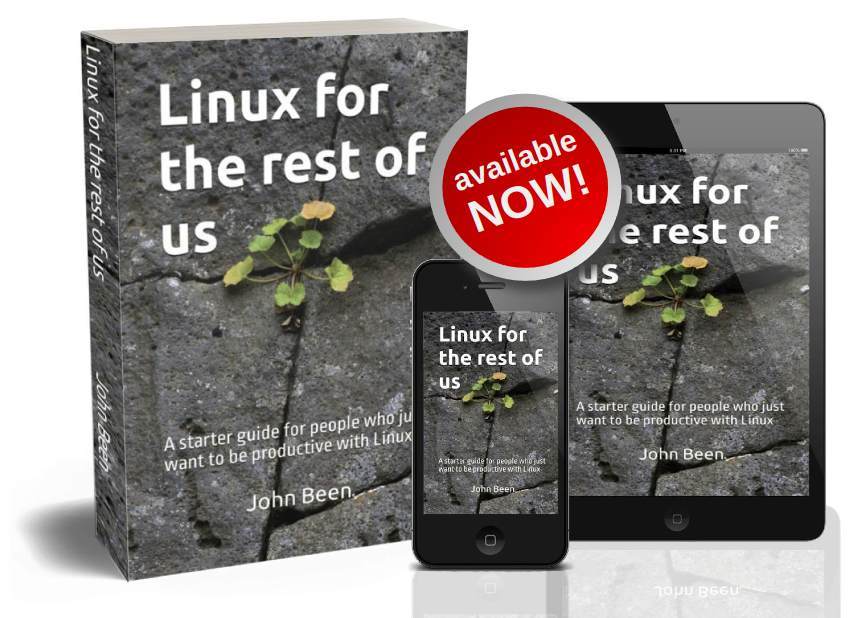
You use windows 10 and now you doubt if Linux is something for you? I have written Linux for the rest of us - my starter guide for all of you who just want to be productive with your Linux system. This 360 page book is available in Paperback and Kindle format. Click on the image below to see for yourself. Or maybe you want to have some information first.
Free Linux Mint Tutorial Series

Main image Linux Mint 21.3 Tutorial Series

Copyright © 2025 RealLinuxUser.com.
Powered by WordPress and HitMag.

You want to switch from Windows 10 to Linux?

Then my comprehensive but beginner-friendly Linux book is definitely something for you!

You currently use Windows 10, but in October 2025, Microsoft will stop supporting your Windows 10 operating system. You prefer not to buy a completely new system, so what should you do next?

My book, “Linux for the Rest of Us,” is designed for anyone looking to transition to Linux easily so they can continue using their computer productively after Microsoft ends support for Windows 10. The book provides a logical and friendly step-by-step approach for users who may not be interested in deep technical details but want to understand, set up, and use their new Linux system effectively.

My 360-page book is available in Paperback and Kindle format. Click on the image to see for yourself. Or maybe you want to have some information first.

No AI, just a nice handwritten book by the owner and writer of your trusted RealLinuxUser.com